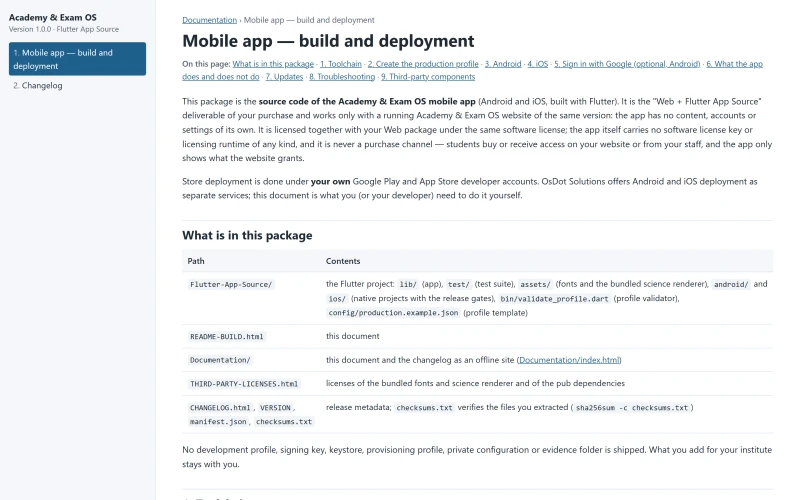
Mobile app
Your institute's own student app
Every Academy & Exam OS licence includes the source of a Flutter student app that works with your Academy & Exam OS website. You build it under your institute's name and publish it with your own developer account.
Platform status for this release
Each platform state is recorded separately. Nothing here is claimed beyond what has been verified.
| Platform | State | Details |
|---|---|---|
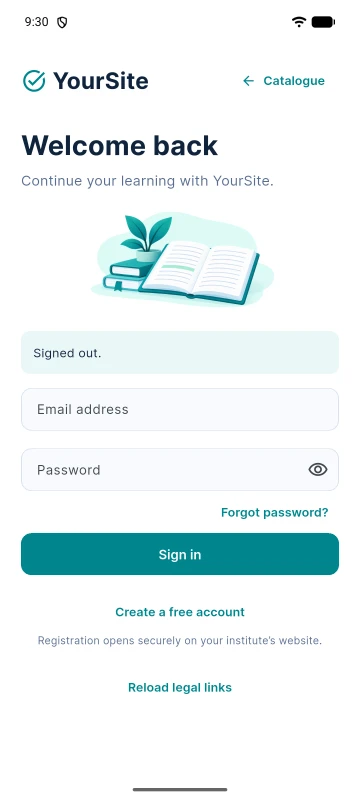
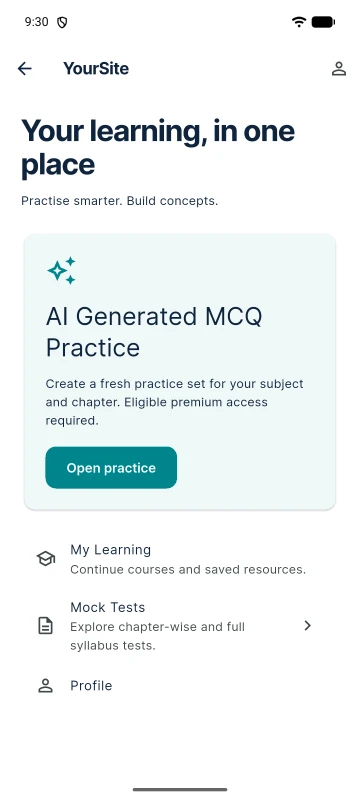
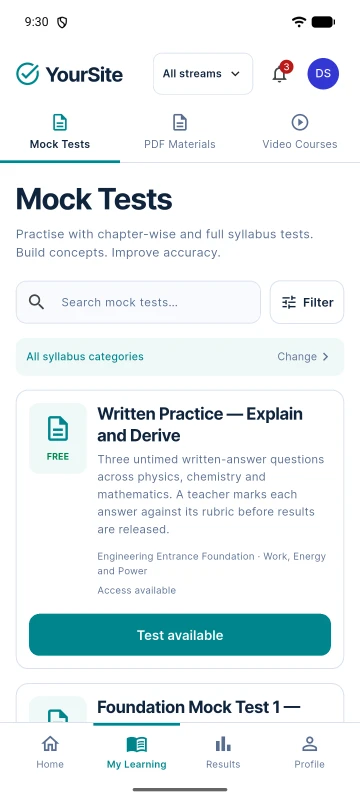
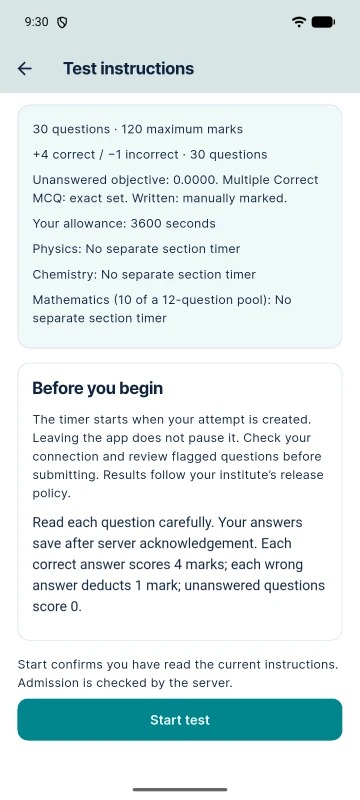
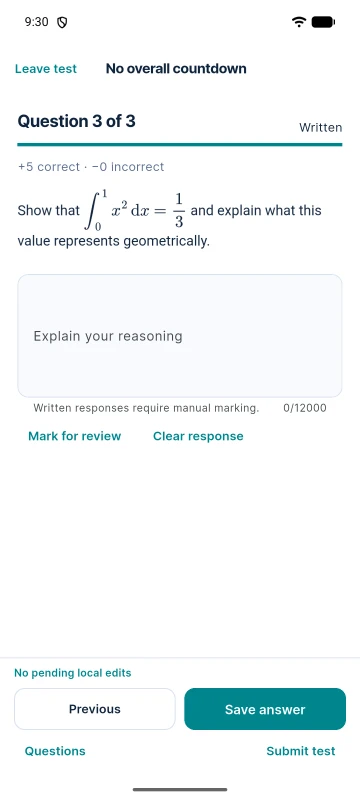
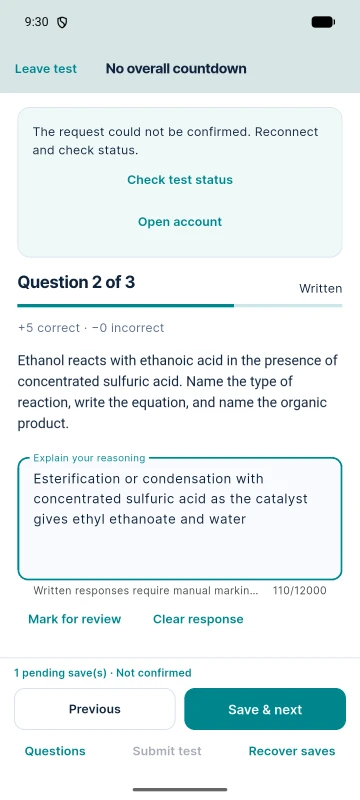
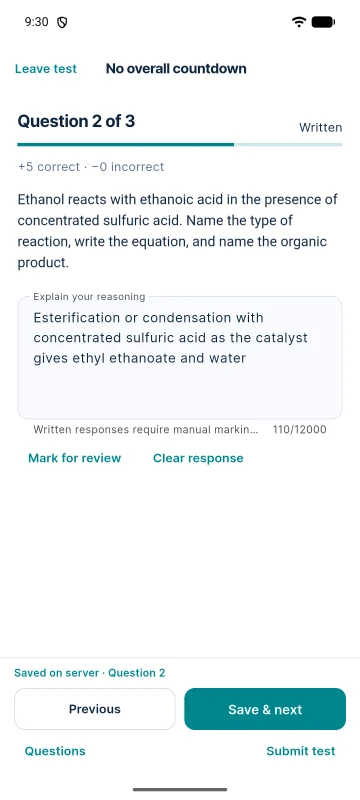
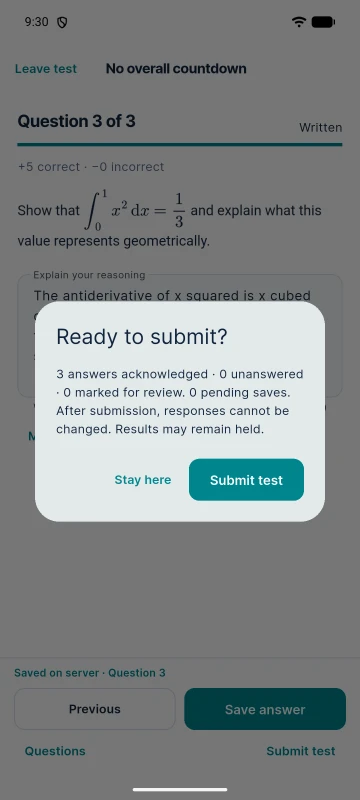
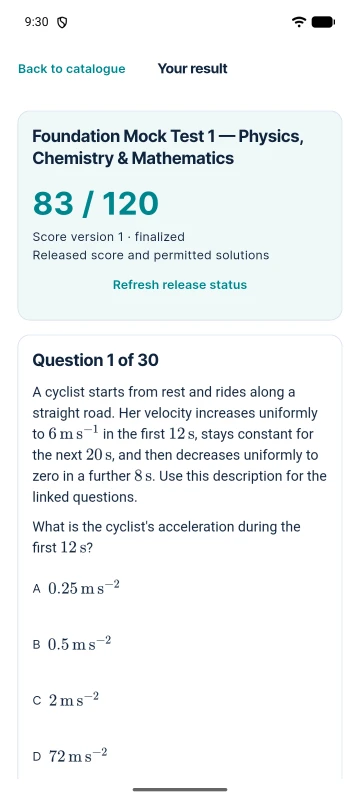
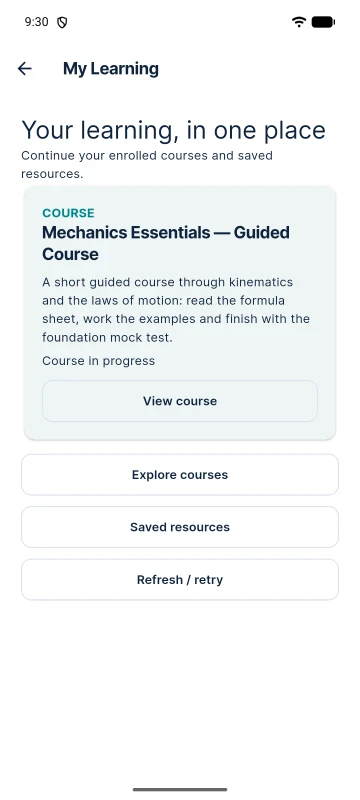
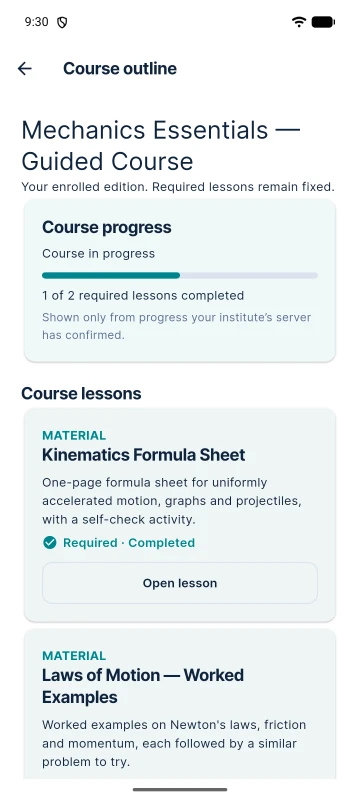
| Android | Release build verified | A release-signed build was installed and exercised on an Android emulator against an HTTPS backend: sign-in, catalogue, a Mock Test with offline recovery, results, AI practice, courses and PDFs. |
| iOS | Source configuration only | The iOS project and bundle identifiers are configured in the source. It is not build-verified, not simulator-tested and not device-tested in this release. |
| Google Play / App Store | No listing | Academy & Exam OS has no store listing of its own and ships no prebuilt app: the package contains the Flutter source. Each institute builds and publishes its app under its own name and developer account. |
| Demo app | Available | A public demo APK (version 1.0.0, build 1, Android 7.0+) that connects only to the Academy & Exam OS public demo. Download and install steps |
What students do in the app
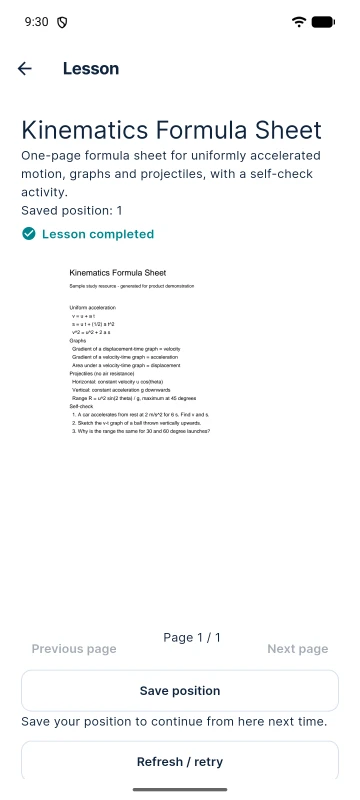
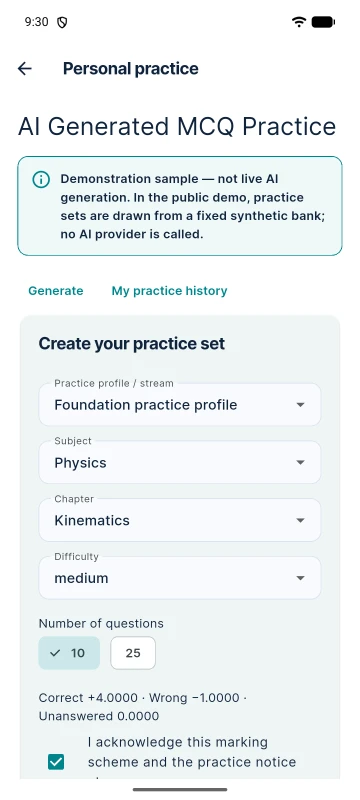
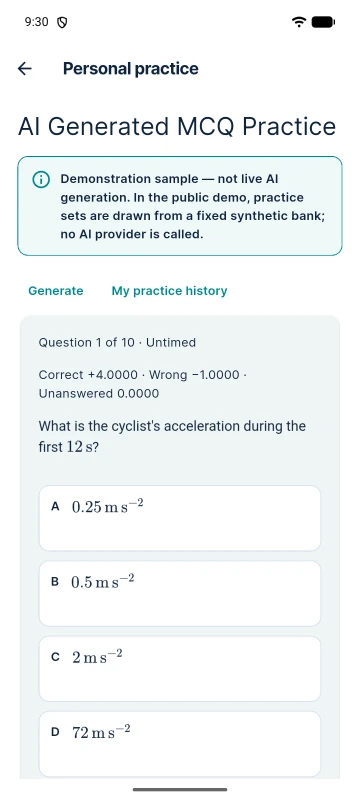
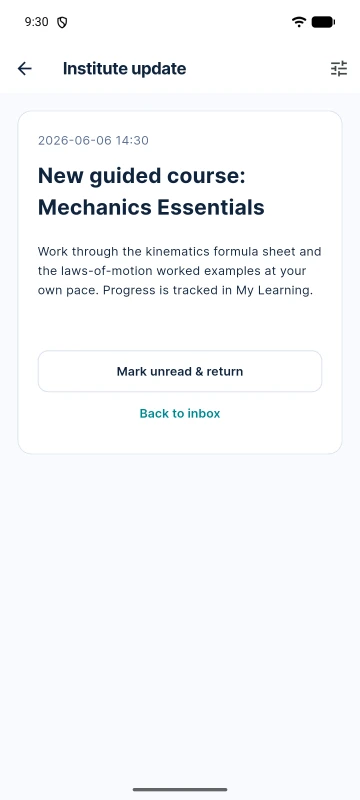
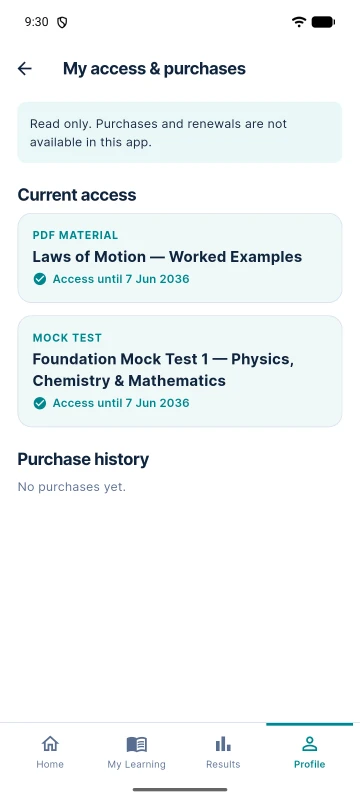
Real screens of the release Android app, captured against the public demo under the default name “YourSite”.
How the app works with your website
One backend
The app talks to your Academy & Exam OS website over its HTTPS API. Release builds accept only an HTTPS address on a real domain.
No licence of its own
The app has no licence key and no activation. It depends on your installation and does not work without it.
Nothing to sell in the app
Purchases and renewals stay on the website. The app shows a read-only history of access and purchases.
Build it under your institute's name
A build profile sets the app name, the application ID and the API address for each institute. The package's build guide walks through the Android release build; signing keys and store accounts stay yours.
- Publishing uses your own Google Play Console account; store and developer-account fees are not included.
- Android deployment is available as a separately quoted service.
- iOS: the project is configured in the source but not yet build-verified; building and signing it needs a Mac with Xcode and an Apple Developer account.