Features
What Academy & Exam OS does
A calm reference to the platform, grouped the way institutes work. Everything listed is implemented in version 1.1.0, and caveats are stated where they apply.
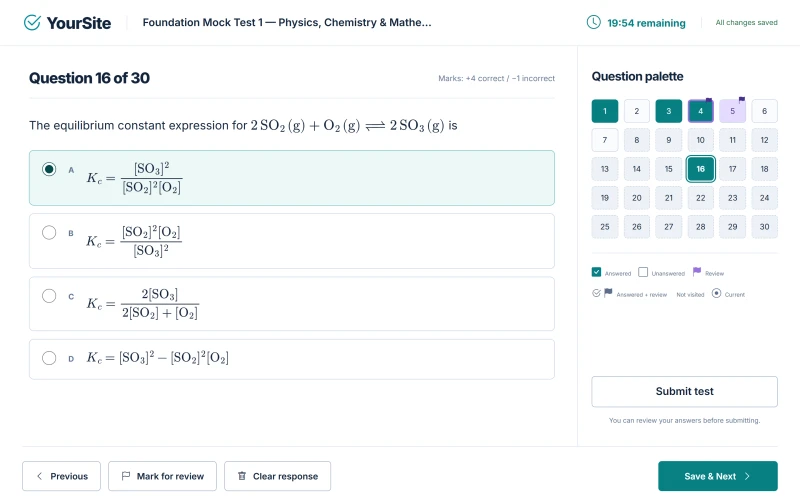
Mock Test engine
Build, publish and run timed exams with rules that hold under real exam-day conditions.
- Up to 200 questions per Mock Test.
- Sectioned Mock Tests with fixed questions or a random draw from a larger pool.
- Institute default marking (+4 / −1 / 0) with per-section overrides.
- Working drafts; publishing creates an immutable edition that freezes questions and marks.
- Manage Questions with an Auto-map proposal that staff review before saving.
- Server-side deadlines; an answer is saved only when the server acknowledges it; recovery after dropped connections and reloads.
- One device writes at a time: a second device can take control of the attempt.
- Submission that cannot be applied twice.
- Result-release policies, written-answer marking and regrading with score versions.
- REST API only in 1.1.0 (no web or app screens): per-student extra time or attempts, and a leaderboard once a closed test's results are released.
Question Bank & syllabus
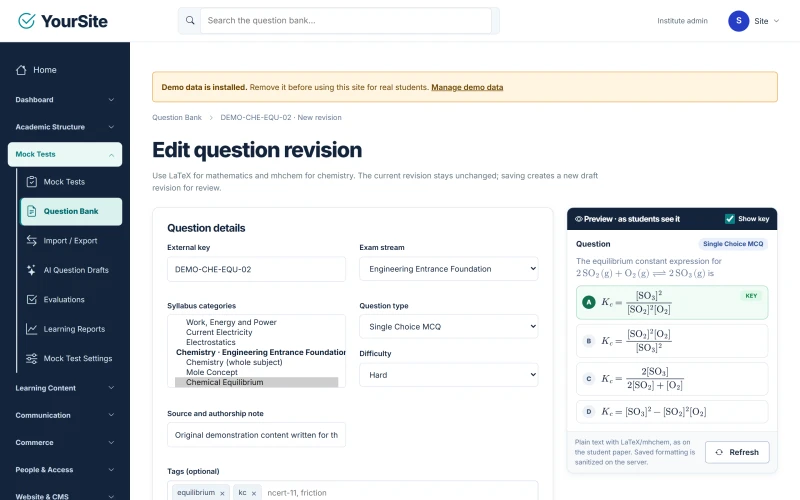
One bank and one syllabus tree for every test, PDF and video.
- Single Choice MCQ, Multiple Correct MCQ, Numerical and Written questions, and shared passages.
- LaTeX mathematics and mhchem chemistry, previewed as students will see them.
- Question and answer-choice images, each with a required description.
- One syllabus tree shared by tests, PDFs and videos; tags; filtered search.
- CSV import (template v1, up to 5,000 rows or 20 MB) with a preview, row errors and a duplicate policy; round-trip export.
- Staff AI drafts from the institute's own provider, reviewed before they enter the bank.
Learning
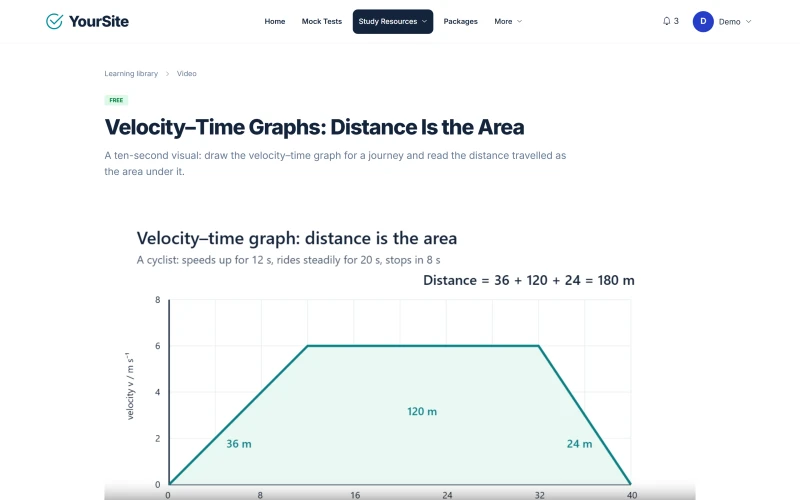
Courses and study material next to the exams.
- Ordered courses with progress and resume.
- Private PDFs (up to 20 MB) in an in-page reader.
- Self-hosted video (up to 250 MB) or YouTube.
- Bookmarks and completion certificates.
- Premium items unlock through the institute's packages.
- Assignments, timetable, attendance and notices on the web.
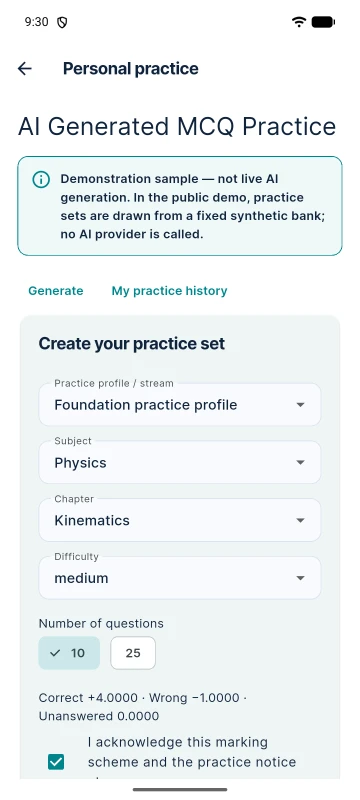
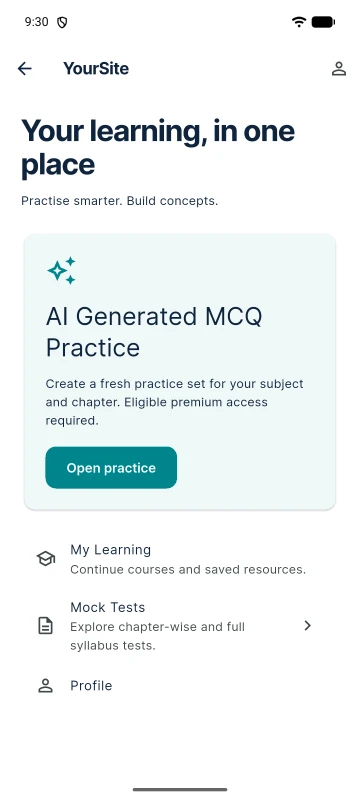
AI Generated MCQ Practice
Personal practice sets from the institute's own AI provider.
- 10- or 25-question sets for a chosen subject and chapter.
- Validation, save and resume, +4 / −1 scoring, answer review and history.
- Provider configurations for OpenAI, Gemini and Claude.
- Off by default; access through package grants with limits set by admins.
- Kept out of formal rankings and certificates.
An enabled AI provider is required and its charges are separate. Generated questions can contain mistakes, and students acknowledge this before they start. In the public demo, practice sets come from a fixed demonstration sample.
Institute operations
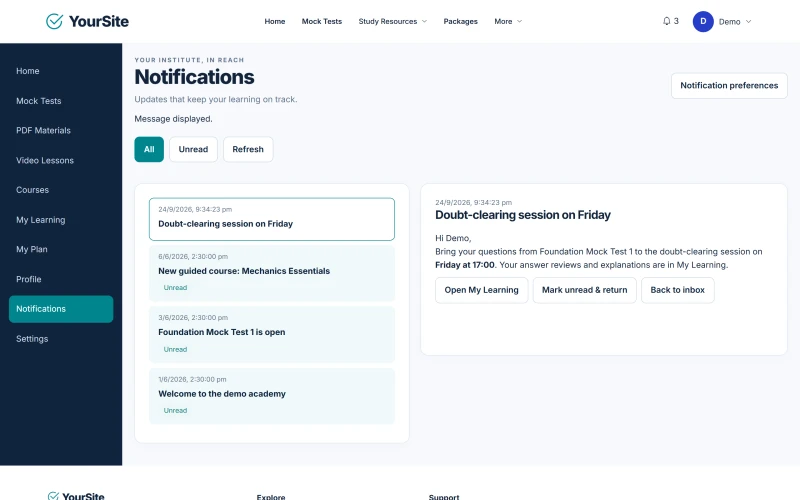
Accounts, roles and communication for the whole institute.
- Owner, admin, teacher and student roles.
- E-mail verification, password reset, rate limits and session controls.
- Optional Google sign-in on the website, using the institute's own Google client.
- Batches and enrolment; teachers see only their own streams and batches.
- Audited account actions.
- Communication Hub: an in-app inbox on the web and in the app, optional e-mail, batch audiences, one-time scheduling, templates and a delivery record.
There is no push, SMS or WhatsApp messaging. E-mail uses the institute's own SMTP server.
Payments & orders
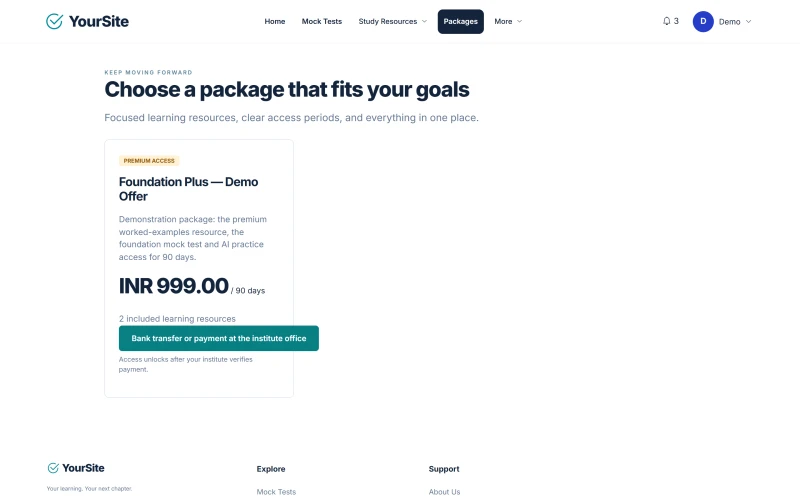
Sell access to tests and courses on the institute's website.
- Stripe (hosted Checkout), PayPal and Razorpay behind one commerce layer; checkout offers only the methods that accept the package's currency.
- Offline payments by bank transfer, mobile or wallet payment, or cash, with proof and staff approval.
- Fixed-validity packages, coupons and orders.
- Full and partial refunds.
- Signature-verified, idempotent webhooks and reconciliation.
Online payments use the institute's own Stripe, PayPal or Razorpay account. Tax rules and in-app purchases are not included.
Website & CMS
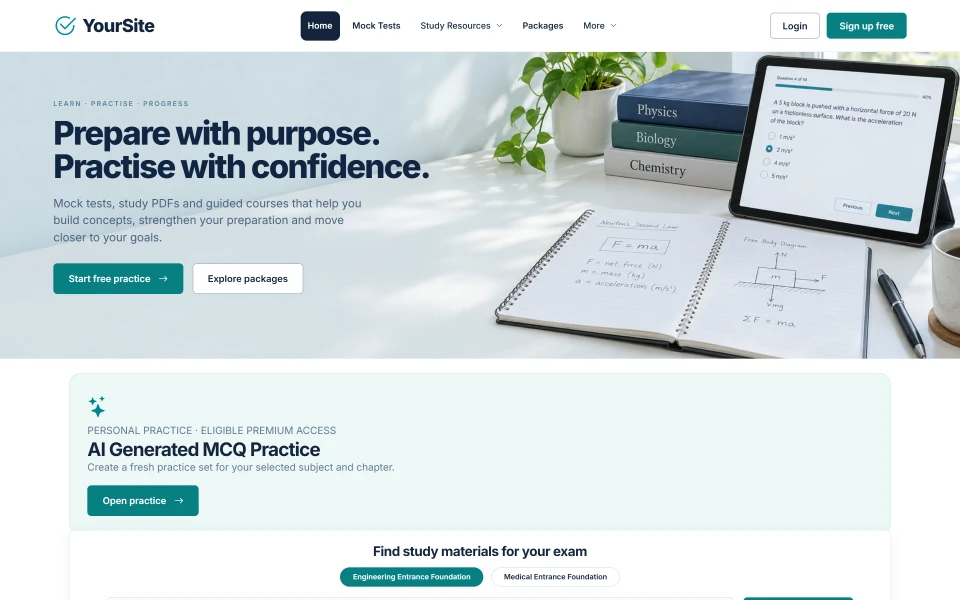
The institute's public website is part of the product.
- Homepage slider, sections and their order; featured and latest items.
- Blog, pages, FAQ, menus, an About page and the business profile.
- A contact page with a private inbox.
- Versioned legal pages with consent tracking.
- Draft and published states, and SEO metadata.
- Branding: logo, favicon, site name, two brand colours (primary and navy), footer text, currency and time zone.
Fonts and layout are fixed; there are no theme presets.
Flutter student app
Included with every licence.
- Catalogue with search and syllabus filters, and sign-in.
- Mock Test attempts with recovery, and results.
- AI practice, the Communication Hub inbox, and courses with PDF and video.
- Profile and a read-only purchase history — the app never sells anything.
- A per-institute build profile: app name, application ID and API address.
Android: a release build is verified on an emulator. iOS: source configuration only — not yet build-verified.
Install and run
Built for the institute's own hosting.
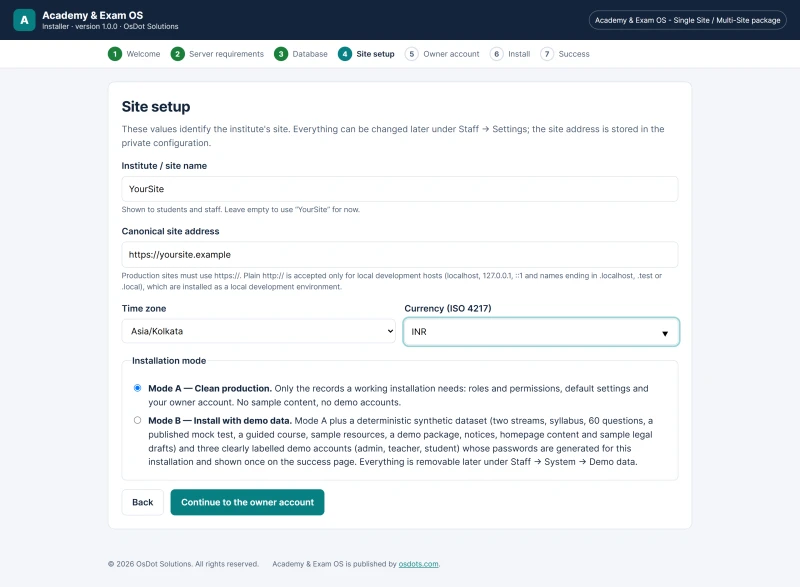
- A seven-step browser installer with a setup token; resumable, and locked after success.
- Mode A for a clean site, or Mode B with synthetic demo data that can be removed exactly.
- A licence-activation step only for Single Site and Multi Site.
- Complete offline HTML documentation in every package.