
Demo
Try Academy & Exam OS before you choose
A public demo runs on its own website with sample data. Browse it as a visitor, or log in as an administrator, a teacher or a student.
The public demo
The demo runs the product in its public-demo mode on a separate website. The server refuses branding, integration and payment changes; AI and e-mail are simulated; checkout is turned off. Demo accounts can start each test a limited number of times a day.
This is a public demo with sample data. Demo data resets every 12 hours. Any progress or changes may be removed during the next reset. Do not enter real personal, payment, confidential or API information.
Demo logins
Sign in with one of the three demo accounts to see each role. All three use the same password.
-
Administrator
The staff area with the administrator's tools. Branding, integration and payment changes are refused in the public demo.
admin@example.com- Password
password@1234
-
Teaching Staff
Teaching tools: questions, tests, marking and results.
teacher@example.com- Password
password@1234
-
Student
Mock Tests, results, practice and courses from the student side.
student@example.com- Password
password@1234
Password for all three demo roles: password@1234. These are shared public accounts with sample data: demo progress may be cleared every 12 hours, at the next reset. Do not enter real personal, payment or confidential information. On the demo's sign-in page, “Continue with Google” explains that Google Sign-In is available in Academy & Exam OS but disabled in the hosted public demo; sign in with the accounts above.
Public Demo APK
Try the Android App
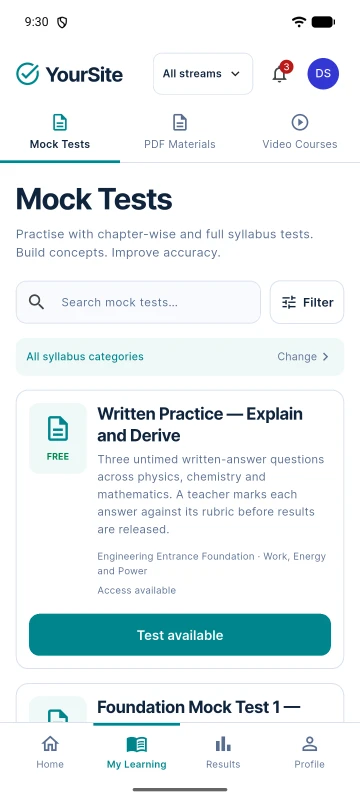
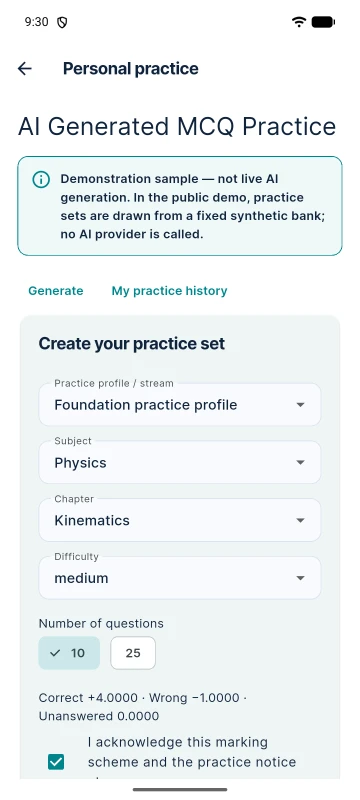
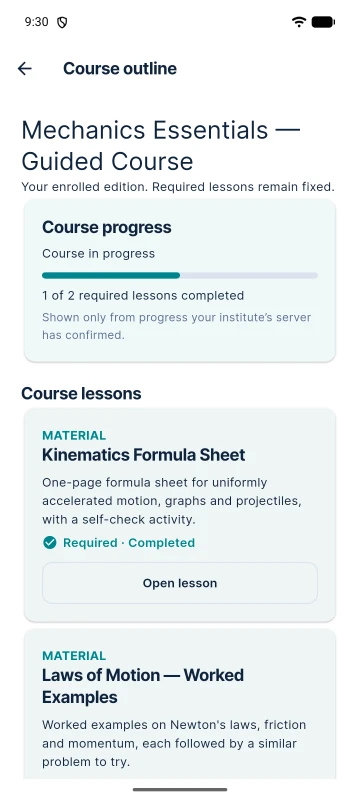
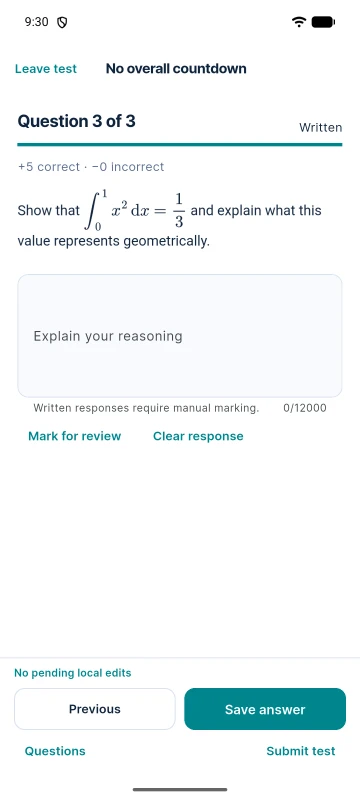
The student app from Academy & Exam OS, built for evaluation. It connects only to the Academy & Exam OS public demo and shows its sample data. It is not on Google Play and it is not your institute's production app: your own app is built from the included Flutter source under your institute's name.
- Version1.0.0
- Build1
- RequiresAndroid 7.0+
- File sizeapprox. 81 MB (81,048,105 bytes)
- Download the APK on your Android phone.
- Open the downloaded file. The app is installed directly, not from Google Play, so Android may ask you to allow installs from unknown sources (your browser or file manager) first.
- Open “YourSite” and sign in as the Student:
student@example.com/password@1234.
Direct install: this APK is not distributed through Google Play. Install it only from this page, and compare its SHA-256 checksum below if you want to verify the download.
SHA-256 checksum
6228c24bd7e3b74f17f54cccdfcbafd85bd2fffa42c99a24ed5ced4e33d2f190
What to look at
As a visitor
The institute's public website: homepage, the Mock Test catalogue, courses and study materials.
As a student
Start a Mock Test, watch answers being acknowledged, submit and read the result; try a practice set.
As staff
The Question Bank, test setup and editions, results and the Communication Hub — read-only where the demo protects its configuration.
Other ways to evaluate
Install it with demo data
Every package can install a small synthetic dataset (Mode B) — streams, questions, a published Mock Test, a course with PDFs and demo accounts — and remove it exactly later.
Android demo app
The student app, connected to the public demo.
Walkthrough video
A guided tour from building a test to the released result.
A walkthrough video is not available yet.
Documentation
Installation, configuration and the mobile app build, in detail. Every package also ships it as offline HTML.
Online documentation for Academy & Exam OS is not published yet. Every package ships the complete documentation as offline HTML, starting at START-HERE.html.